

Views
Legend: Approved, Pending, Public holiday. Days off and public holidays don’t count towards a request.
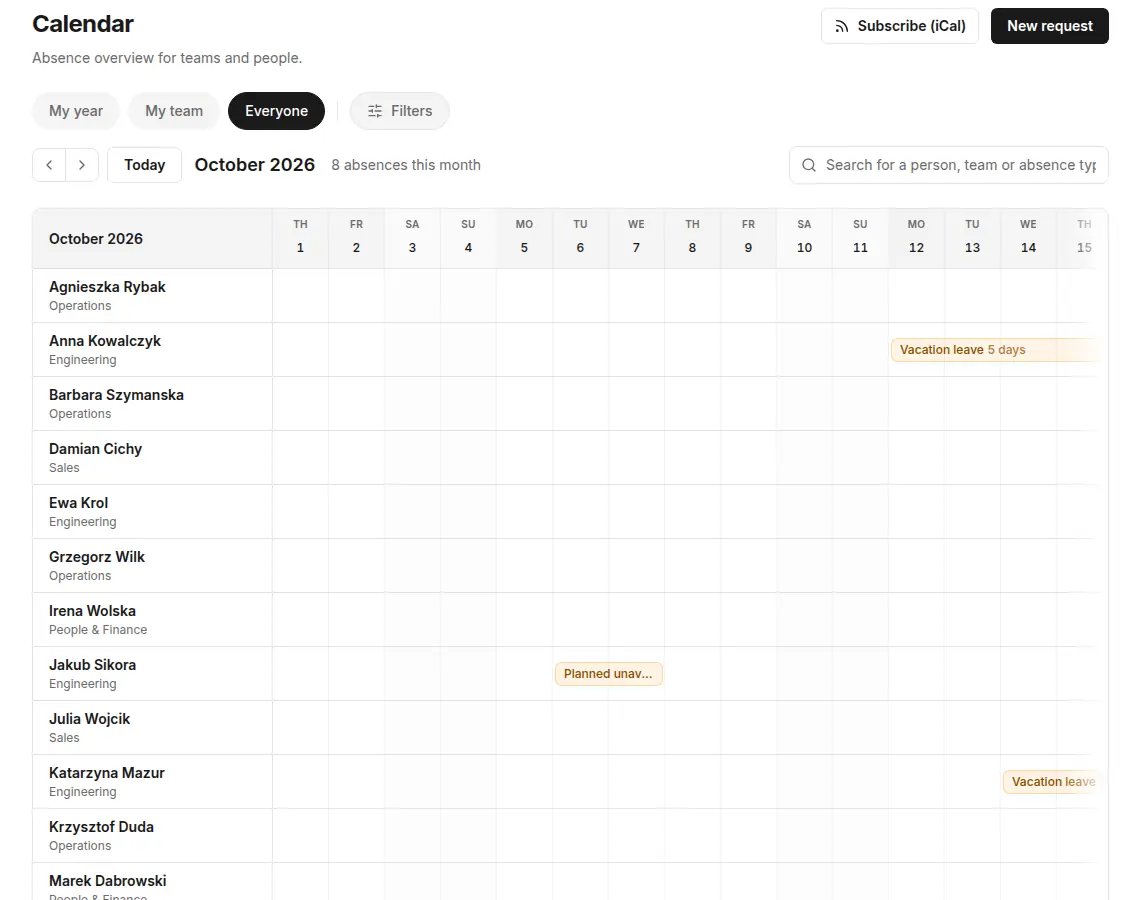
Visibility of details
Who sets it: HR, Administrator, Owner — in Settings → Calendar visibility.- Show the absence type — when off, coworkers see a generic “Absent” in the calendar instead of the type.
- Private types always shown as “Absent” — details of private types (for example L4) are visible only to the person, their manager and HR. This setting is required and can’t be turned off.
Subscribe to the calendar (iCal)
You can add absences to Google Calendar, Outlook or Apple Calendar as a read-only subscribed calendar.1
Open the subscription
In the Calendar, click Subscribe (iCal).
2
Choose the scope
Choose My calendar, Team calendar (Manager and above) or Whole organization (HR and above).
3
Create the link
Click Create my link or Create organization link and copy the link.
4
Add the link in your calendar app
In your calendar app, add a calendar from a URL (subscription) and paste the link.
The subscription shows who is absent. Private types (for example sick leave) appear as “Absent”. The iCal subscription is available on the Start, Growth and Enterprise plans and during the trial.