

Requirements
Rollout order
1
Connect Microsoft 365
In Integrations → Microsoft 365, click Connect, or Hand off to IT if someone else grants consent. See Connect Microsoft 365.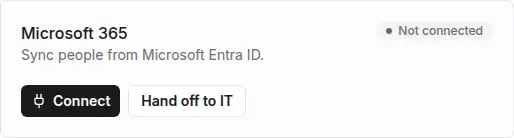
2
Sync people
Preview changes first, then Apply. The calendar and Teams work for people synced from the directory. See Sync people from Entra ID.
3
Turn on the Outlook calendar
Turn on syncing and grant administrator consent in Microsoft. See Outlook calendar.
4
Turn on Microsoft Teams
Grant administrator consent, download the app package, publish it in Teams Admin Center, turn on Teams notifications and set up the tabs. See Microsoft Teams.
Consents Microsoft will ask for
Tivero only reads the directory. It never changes anything in it.
Common tasks
Common problems
- Microsoft 365 issues — connection, sync, Outlook, Teams.
- Invitations and access — people from the directory don’t get invitations automatically.