

Where you see the balance
- Employees: on the Dashboard, in the My balance card — how much is available, Used and Pending. The balance before and after approval also shows in the new request summary.
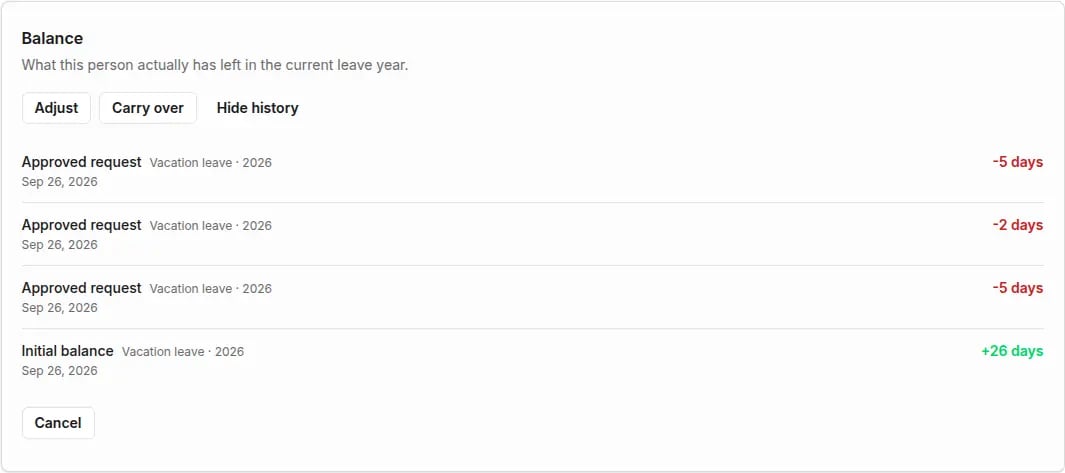
- HR and above: on the person page, in the Balance section.
- Managers: balances of people in their team, read-only.
What changes a balance
A pending request doesn’t reduce the balance — it shows as Pending until someone approves it.
Manage a person’s balance
Who: HR, Administrator, Owner. Open the person on the People list, click Open full profile, go to the Absences area and, in the Balance section, click Manage balance. Set opening balance appears when no opening balance is set yet; Adjust and Carry over appear once it is.- Opening balance
- Adjustment
- Carry over
Click Set opening balance. Choose the pool (absence type) and the leave year, enter the amount and a reason (for example “balance from the previous system”), then click Save.
If the person’s policy uses a Set individually allowance, set the allowance under Individual settings first. Only then can you configure the balance.